Core Web Vitals and How to Fix Your LCP, INP, and CLS Scores

Core Web Vitals are the three metrics Google uses to judge page experience: how fast the main content loads (LCP), how quickly the page responds to input (INP), and how steady the layout stays (CLS). A page passes when all three sit in the "good" range at the 75th percentile of visits.
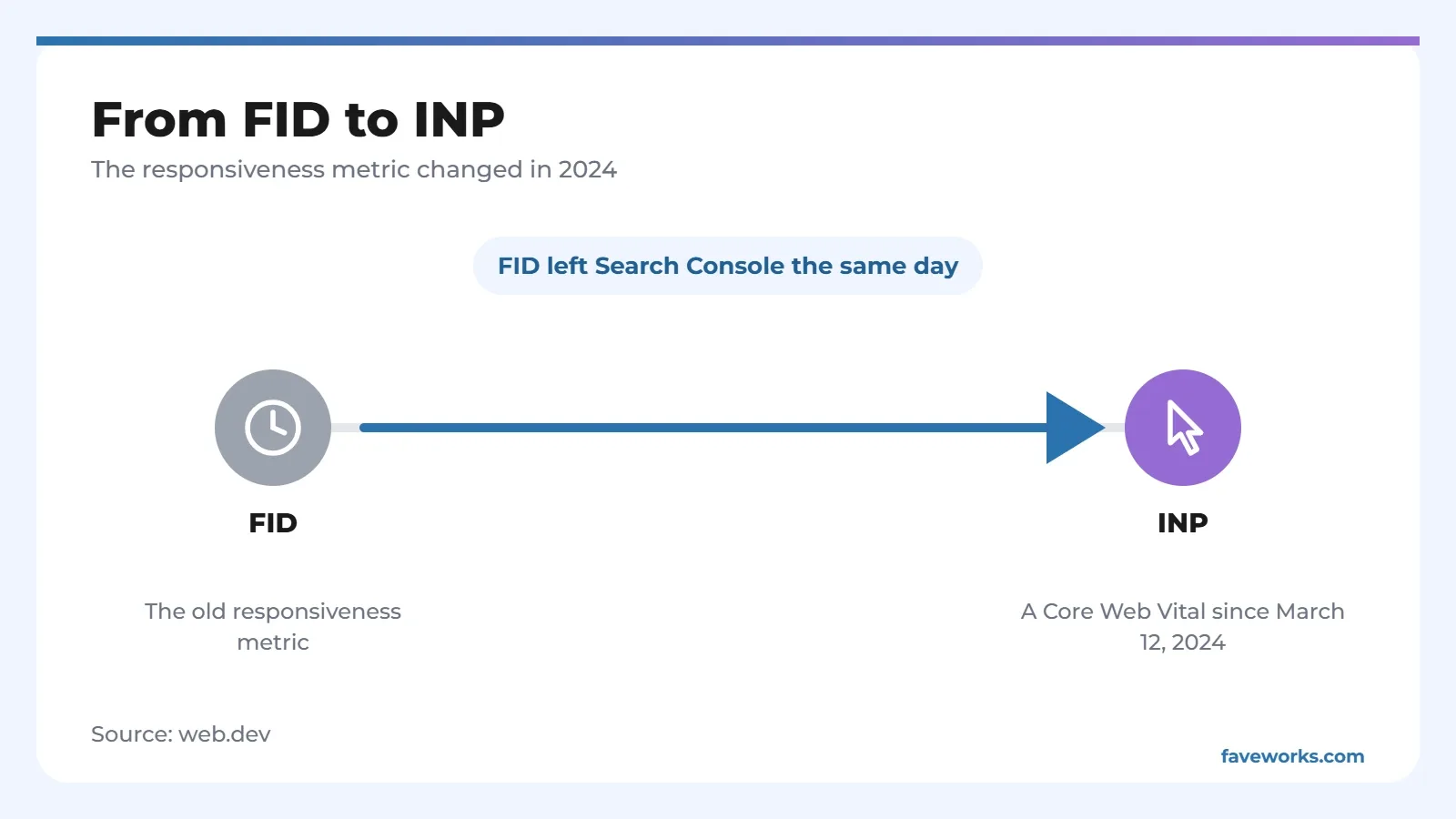
If an article still mentions FID, it's out of date. INP replaced FID on March 12, 2024, and FID was removed from Search Console the same day. Everything below uses the three metrics that count today.
The Three Metrics and Their Thresholds
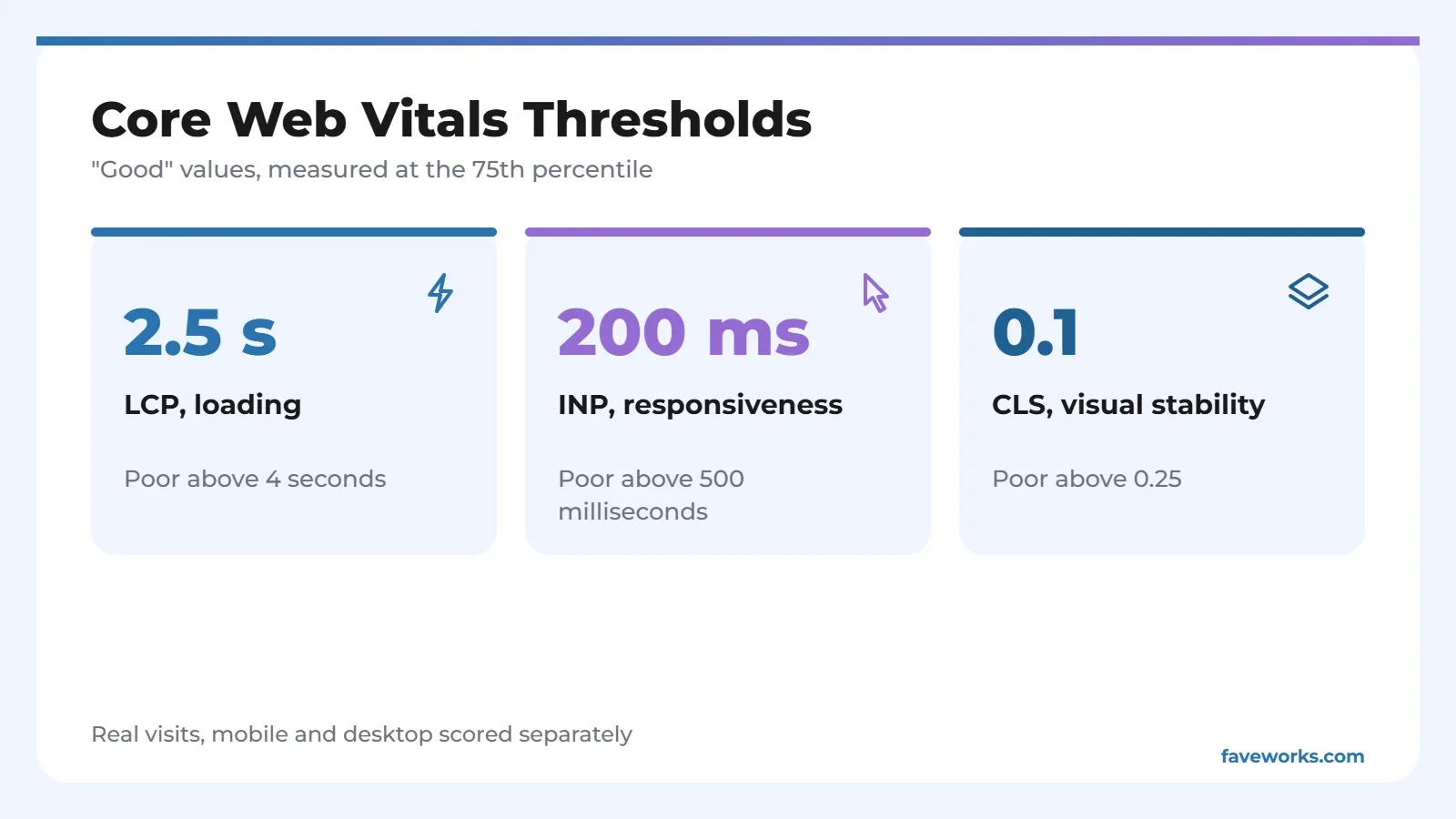
LCP is good at 2.5 seconds or less, INP at 200 milliseconds or less, and CLS at 0.1 or less. Anything between "good" and "poor" lands in "needs improvement".
| Metric | What it measures | Good | Poor |
|---|---|---|---|
| LCP (Largest Contentful Paint) | Time until the largest element in the first screen appears | 2.5 seconds or less | Over 4 seconds |
| INP (Interaction to Next Paint) | How quickly the page reacts to clicks, taps, and key presses | 200 milliseconds or less | Over 500 milliseconds |
| CLS (Cumulative Layout Shift) | How much the layout jumps around without being asked | 0.1 or less | Over 0.25 |
Scoring uses the 75th percentile of real visits, with mobile and desktop split apart. In practice, three out of four visits need to land in the good range. One lucky visitor on a fast phone won't carry the page.
Do Core Web Vitals Affect Rankings?
Yes, but Google hasn't said how much. Its documentation tells site owners to aim for good Core Web Vitals, and says that fits what the core ranking systems want to reward. No weight is given.
So don't expect a jump in position the day your report turns green. A better way to see it: you're keeping people from leaving before they've read anything, and any ranking benefit is a bonus nobody can size yet.
Tools for Measuring Core Web Vitals
Start with field data, meaning real visitors, because that's what Google uses to judge a page. Lab data helps you find the cause afterward.
| Tool | Data type | Notes |
|---|---|---|
| Core Web Vitals report in Search Console | Field | The most practical starting point for the whole site |
| PageSpeed Insights | Field and lab | Good for checking a single page |
| Chrome User Experience Report | Field | The source behind many other tools |
| Chrome DevTools | Lab, covers LCP, INP, and CLS | Use it once you know which page is the problem |
| Lighthouse | Lab, LCP and CLS only | No INP, so it uses Total Blocking Time as a stand-in |
How to Fix Core Web Vitals Scores
Fix one metric per round, measure again, then move on. Each of the Core Web Vitals has its own causes, and changing five things at once leaves you guessing which one worked.
LCP: speed up the biggest element
Find the LCP element on your page. It's usually the hero image or a headline block. Web.dev splits LCP time into four parts and suggests ideal proportions as a rough guide, not a fixed rule.
| LCP part | Ideal share | What you can do |
|---|---|---|
| Server response time (TTFB) | About 40% | Cut redirects, use a CDN, set caching properly |
| Delay before the resource starts loading | Under 10% | Make sure the LCP image is in the initial HTML, don't lazy-load it, give it high fetch priority |
| Resource load time | About 40% | Shrink the file, use modern formats and compression |
| Delay before the element renders | Under 10% | Trim render-blocking CSS, avoid synchronous scripts in the head |
Speeding up one part can push the time into another, so check all four. If the server is slow to answer, hosting or caching matters more than the image.
INP: lighten the work in the browser
An interaction has three phases: the wait before callbacks run, processing time, and the wait until the browser paints the next frame. Break long callbacks into small tasks so other interactions don't queue behind them. Run only the code the next visual update needs, and defer the rest, like saving data or counting words.
Don't change a style and then read it back in the same task. That forces the browser to recalculate layout again and again. A huge DOM also slows painting, so remove elements you don't need.
CLS: reserve space before content arrives
Set width and height on images and video, or use aspect-ratio in CSS, so the browser holds a spot before the file downloads. Ad slots and embeds need a min-height that matches the smallest creative, and that space should stay even when no ad shows up.
Banners injected above content that's already on screen are the classic culprit. If a fetch is expected to take more than 500 milliseconds, reserve the space from the start. For animations, use transform instead of top or left.
A Sensible Order of Fixes for a Business Site
Start with templates that many pages share, like the article template or the product page. One fix there spreads across hundreds of URLs. Polishing a single stray page changes one number in your Core Web Vitals report.
After that, rank pages by their effect on visitors: most-visited first, then the pages that bring sales or sign-ups. Record scores before and after each change. Field data comes from real visits, so results show up only after enough people have passed through. A little patience helps here.
Why Lab Scores Are Green but Field Data Is Red
Usually the gap comes from testing conditions. A lab test runs on one device under fixed settings, while field data records real visitors on all kinds of phones and networks. Chances are your page feels quick on an office laptop and sluggish on a mid-range phone.
Because scoring uses the 75th percentile, a handful of slow connections can drag the number down. If that sounds like your case, test on a simpler device and check the Core Web Vitals report in Search Console again a few weeks later.
When scores stall because of the template or the hosting, that's part of the web development work we do. Once pages load faster, help Google find them with a tidy XML sitemap.
FAQ
Is FID still part of Core Web Vitals?
No. INP replaced FID on March 12, 2024. FID was dropped from the Web Vitals program and from Search Console the same day, while PageSpeed Insights and CrUX kept it for a six-month transition.
What LCP score counts as good?
2.5 seconds or less. Over 4 seconds is poor, and anything in between needs improvement. All of it is judged at the 75th percentile of visits.
Why doesn't Lighthouse show INP?
Lighthouse runs in a lab setting and doesn't record real user interactions. It measures LCP and CLS, then uses Total Blocking Time to estimate responsiveness problems.
Are mobile and desktop scored separately?
Yes. A page can pass on desktop and fail on mobile. Look at mobile first, since conditions there are usually harder.
Which tool should I open first?
The Core Web Vitals report in Search Console, because it shows real visitor conditions across the site. Then move to PageSpeed Insights or DevTools for the pages it flags.
References
- web.dev, Web Vitals
- web.dev, Interaction to Next Paint becomes a Core Web Vital on March 12
- web.dev, How the Core Web Vitals metrics thresholds were defined
- web.dev, Optimize Largest Contentful Paint
- web.dev, Optimize Interaction to Next Paint
- web.dev, Optimize Cumulative Layout Shift
- Google Search Central, Understanding Core Web Vitals and Google search results